Create Presets That Apply Automatically
Image Edits Without Prompts
Redirect traffic to your VAKPixel profile and social media handles organically.
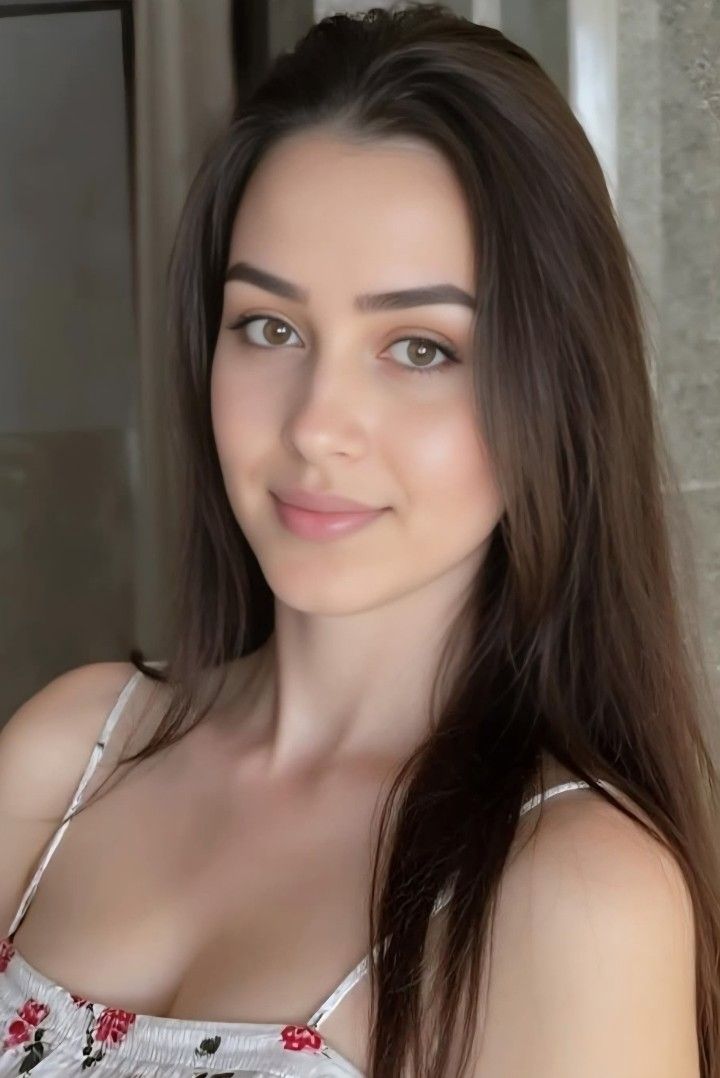
Each preset ships 2–5 sample images using the same prompt so the vibe is obvious—then anyone can pick it inside /editor.
2–5 previews
Same prompt, instant read on the look
Prompt baked in
Apply without copying blocks of text
Editor picker
Surface presets beside your uploads
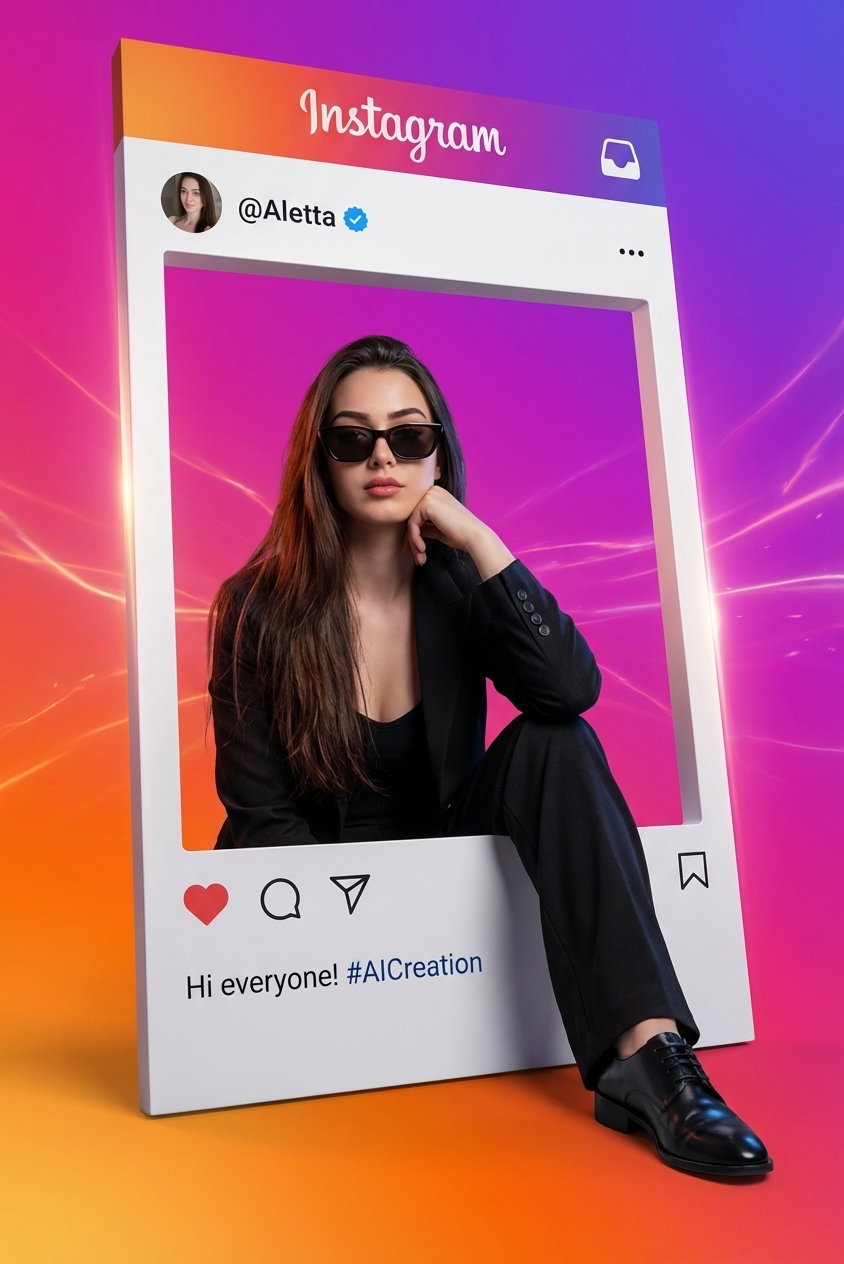
Social Media Frame Portrait
Before / after on one canvas—how a dedicated preset page shows your effect.
Why presets outperform loose prompts
Indexed preset pages earn discovery from search; built-in editor selection turns that traffic into applied edits—without pasting prompts into DMs or docs.
Discovery & SEO
Each preset is a dedicated page with structured metadata built for search.
- Titles, descriptions, and canonical URLs are shaped so crawlers can index them cleanly.
- Multiple examples clarify intent and encourage clicks from search results.
Frictionless apply
Presets are selectable inside the image editor—no prompt typing required.
- Visitors apply your look in one step instead of copying text into another tool.
- Support burden drops and your preset stays tied to a consistent experience.
Profile & social lift
Redirect traffic to your VAKPixel profile and social media handles.
- Preset pages guide engaged viewers to your VAKPixel profile.
- Linked Instagram, TikTok, X, and YouTube profiles convert organic visits into followers across platforms.
Make the most of presets
High leverage habits—minimal reading.
| Focus | |
|---|---|
| Research trending looks | |
| Ship presets often | |
| Cross-post links |
Compounding: repost preset URLs monthly—traffic ramps as indexes mature (often a few months).
Publish presets on VAKPixel
Pick hero imagery
Select the image that represents your preset best.
Submit details
Fill metadata—titles & examples matter for review & SEO.
Review → live
24–48h quality check, then share your preset URL anywhere.
After approval
Share your preset URL everywhere
Typical review: 24–48h
Ready to preset your style?
Try presets in the editor—or publish your own for discovery.
FAQ
What is a preset on VAKPixel?+
A preset pairs one optimized prompt with 2–5 example images so people instantly see the look. Users can apply it from the image editor without typing the prompt.
Why publish presets instead of only posting on social?+
Dedicated URLs rank in search, stay evergreen, and deep-link straight into the editor workflow—social posts disappear from feeds; indexed pages keep bringing viewers.
How long does review take?+
Typically 24–48 hours for quality checks before your preset goes live.